Emission Monitoring Tool - LionRock Maritime

Reports: EmissionExplorer

Emission Monitoring Tool

Turning Fuel Use into Actionable Emission Insights for Compliance and Sustainability

While fuel consumption offers a first look at operational efficiency, emissions data is increasingly required for regulatory compliance, ESG reporting, and decarbonisation planning. The Emission Monitoring Tool by LionRock Maritime provides emissions visibility across jobs, vessels, terminals, and customers.

Using established conversion factors (tailored by region or reporting standard), this tool calculates CO₂ emissions from both actual and estimated fuel consumption data. Whether reporting under EU ETS, IMO DCS, or local port standards, operators can view their emissions by customer, tug, job stage, or terminal, all within a single dashboard.


LionRock Crane Icon
+

Ports Explored

LionRock fuel Icon
€   +

Worldwide Annual Cost Savings

LionRock co2 icon
KG   +

KGs of CO2 saved

Report overview

How the Emission Monitoring Tool can help your business

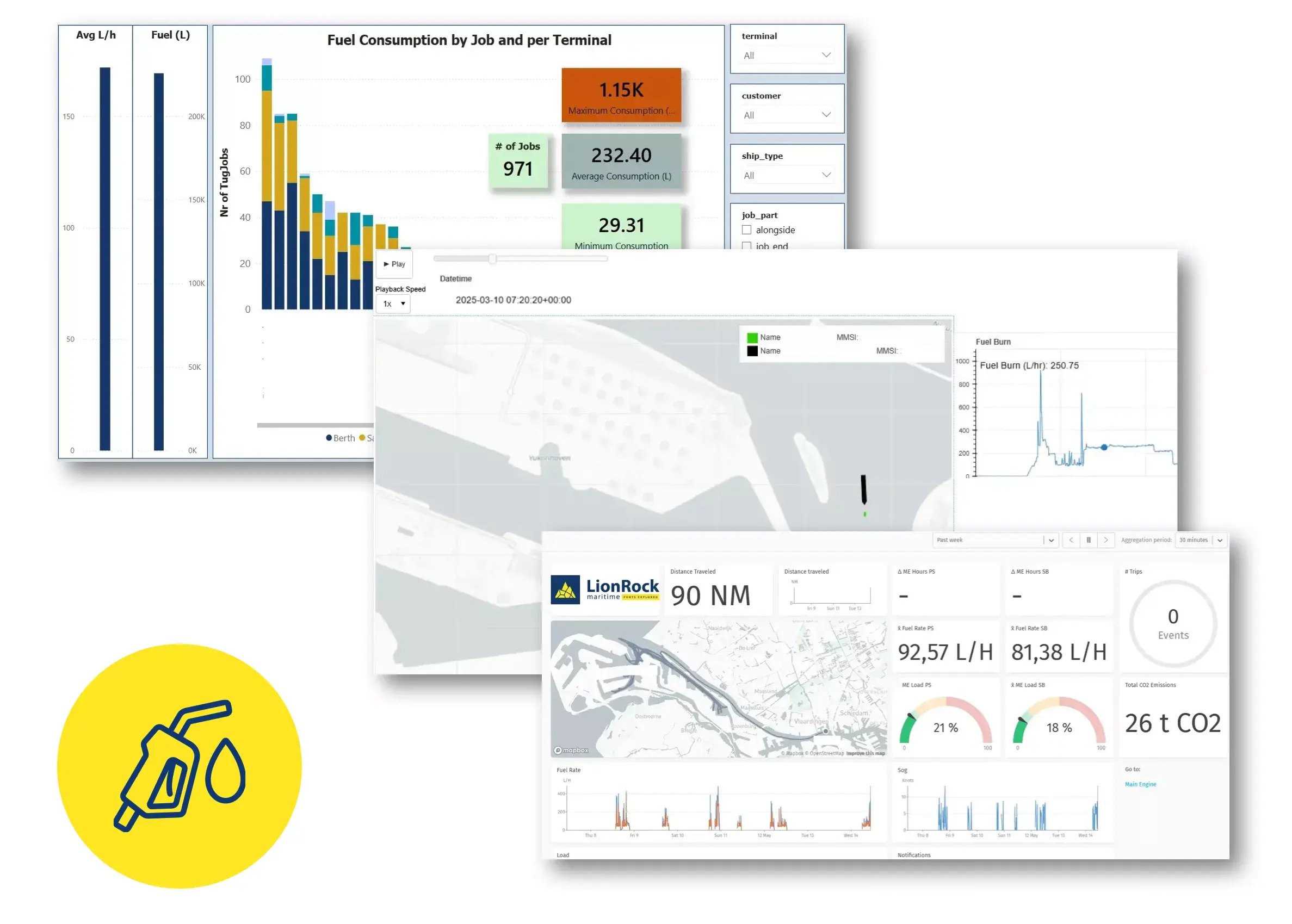
This report showcases how LionRock’s Emission Monitoring Tool calculates job-level CO₂ emissions using both actual fuel data and model-based estimates. Emissions are mapped across customers, terminals, tugs, and job stages, enabling operators to track environmental impact with precision.

With conversion factors tailored to international and regional standards (e.g. IMO, EU ETS), the tool supports accurate reporting and benchmarking. It provides the insight needed to reduce emissions, prioritise cleaner operations, and meet compliance or ESG goals across your fleet.

Fuel Consumption of Tugboats by customer - LionRock Maritime

Insight 1

Emission by Customer

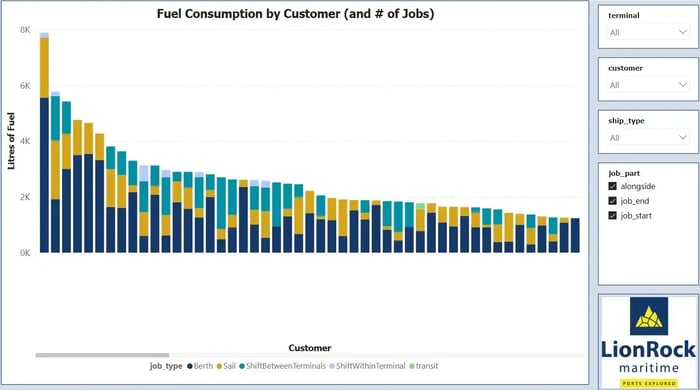
This view breaks down CO₂ emissions per customer, based on their total job activity and associated fuel usage. It highlights which customers generate the highest environmental impact, segmented by job type (berth, sail, transit, shifts), providing transparency across the customer base and enabling carbon-conscious decision-making for contracts or pricing structures.

Fuel cost by terminal - tugboat reporting | LionRock Maritime

Insight 2

Emissions by Terminal

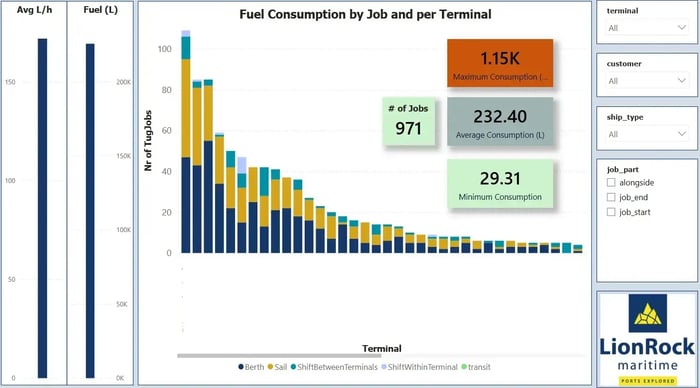
Visualise emissions across terminals by aggregating job-level fuel data and applying standard conversion factors. This insight highlights terminals with the highest emissions output, which is essential for evaluating localised environmental pressure, planning emission-reduction initiatives, and prioritising clean operations in high-impact zones.

4.2.3_Job_playbacks_including_fuel_use

Insight 3

Emissions by Job Stage

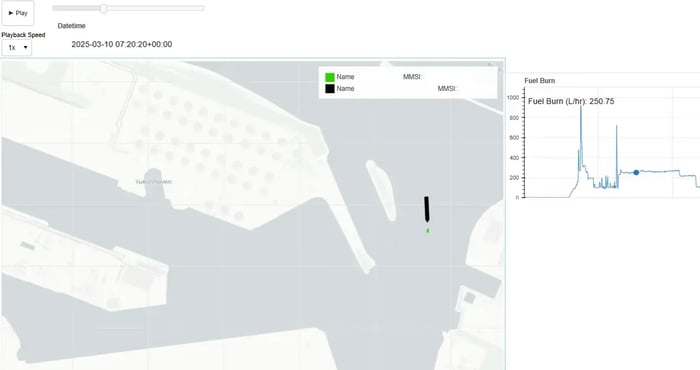
This insight categorises emissions based on where they occur during the job: during approach, alongside work, assist phases, or return transit. By isolating high-emission job segments, operators can assess operational behaviour and identify process adjustments that reduce emissions without compromising service quality.

Fuel use by tugboat | LionRock Maritime Reports

Insight 4

Emissions by Tug

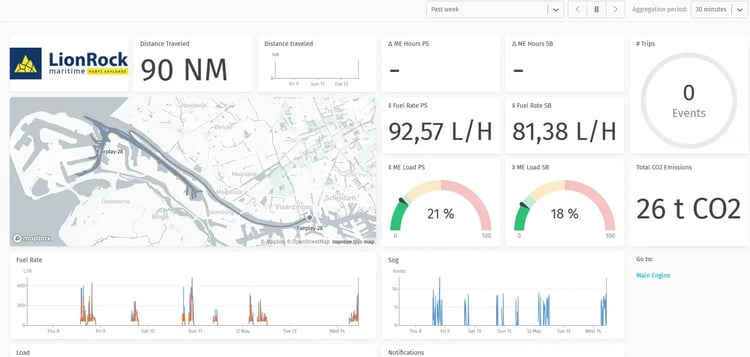
Here, emissions are calculated and attributed to individual tugs based on either actual fuel monitoring or model-based estimates. This allows fleet managers to rank vessels by environmental performance, track improvement after retrofits or upgrades, and identify candidates for replacement, repowering, or alternative fuel strategies.

Included Reports

Insights we provide:

  • Emissions by customer
  • Emissions by terminal
  • Emissions by job stage
  • Emissions by tug